Explore the guide library · MoCA and coax networking
Separate coax link statistics from Ethernet negotiation, endpoint performance and application throughput.
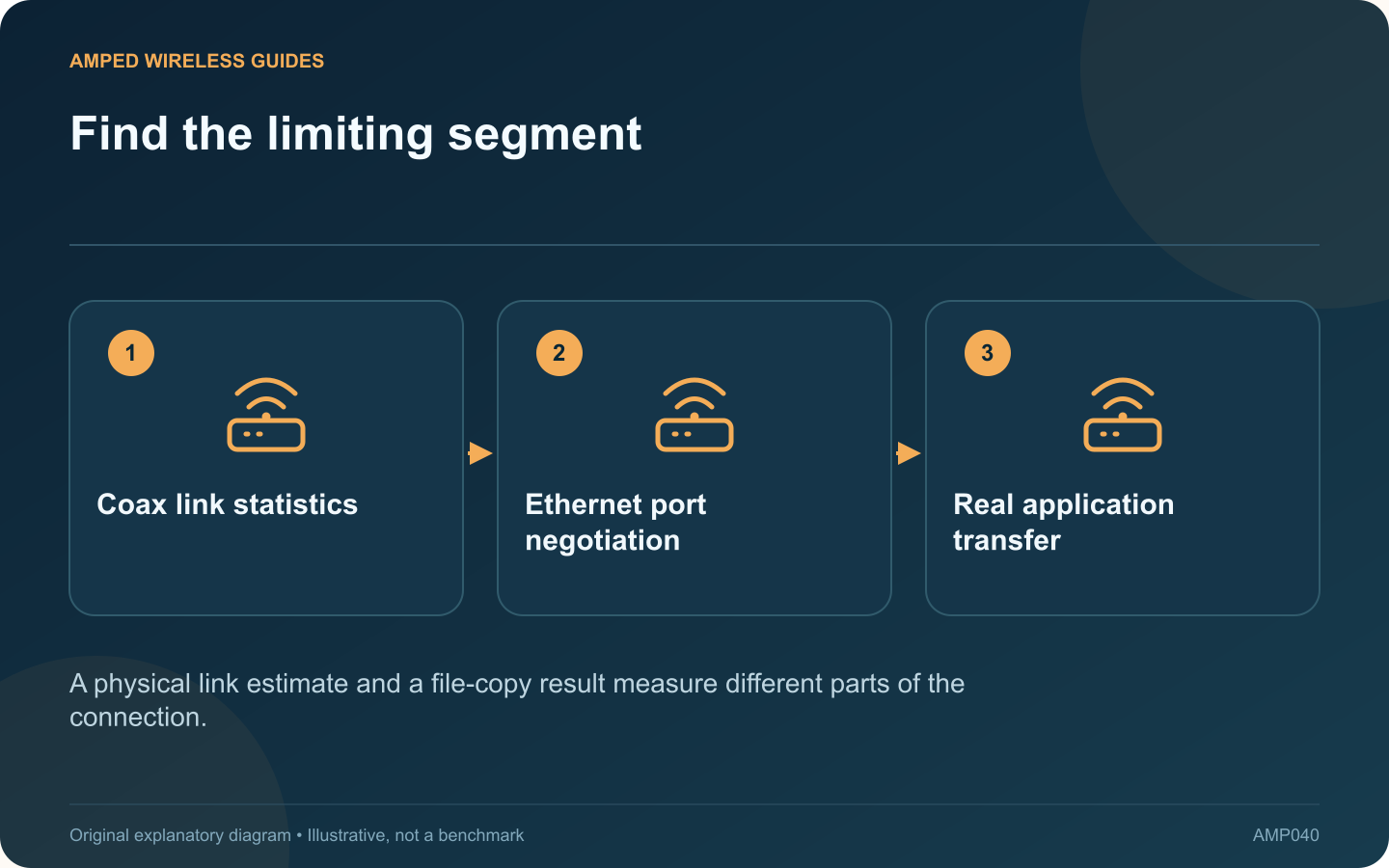
A high MoCA link rate does not guarantee an equally high file-copy speed. The copy also depends on Ethernet interfaces, switches, client hardware, storage and protocol overhead. Use a staged comparison to locate the limit instead of judging the adapter from one number.
Draw the actual route
List the sending device, its switch, both MoCA adapters and the receiving device. Mark every Ethernet interface’s supported and negotiated rate. ScreenBeam’s ECB6250 and ECB7250 illustrate why this matters: their Ethernet port capabilities differ despite both using MoCA 2.5.
Establish a nearby baseline
Connect the same endpoints through a known suitable local wired path where practical. Copy the same non-sensitive test file. If the result is already slow without the coax segment, investigate endpoint or application limits first.
Use a network-focused measurement
A tool such as iperf3 can compare throughput between two devices you control without making disk-write speed the main measurement. Follow its documentation, run only on your private test network and keep any temporary firewall permission narrowly scoped.
Compare observations
| Finding | Next investigation |
|---|---|
| Low negotiated Ethernet rate | Port, cable and endpoint support |
| Good network test, poor file copy | Storage and application behavior |
| Only coax route performs poorly | Coax components, errors and shared activity |
Test representative conditions
Repeat while normal household activity is present. A quiet single-client result may differ from simultaneous use of the shared network. Keep test duration and endpoints consistent so the comparison remains meaningful.
Record units carefully: application transfers may be shown in megabytes per second while network rates use megabits per second. Once the limiting segment is identified, choose a targeted improvement. Replacing a MoCA adapter will not remove a slow disk or a lower-speed Ethernet interface elsewhere in the path.
Sources and editorial notes
Sources checked 8–9 October 2026. Independent guidance and original illustrations; product comparisons use published specifications rather than hands-on benchmarks. Check the exact model, revision and regional documentation before changing settings.
- ScreenBeam: ECB7250 specifications and coax compatibility
- ScreenBeam: ECB6250 specifications and limitations
- ESnet: iperf3 command reference
- ScreenBeam: MoCA interference and coax components