Explore the guide library · MoCA and coax networking
A successful bench connection narrows the investigation to room wiring and intervening coax components.
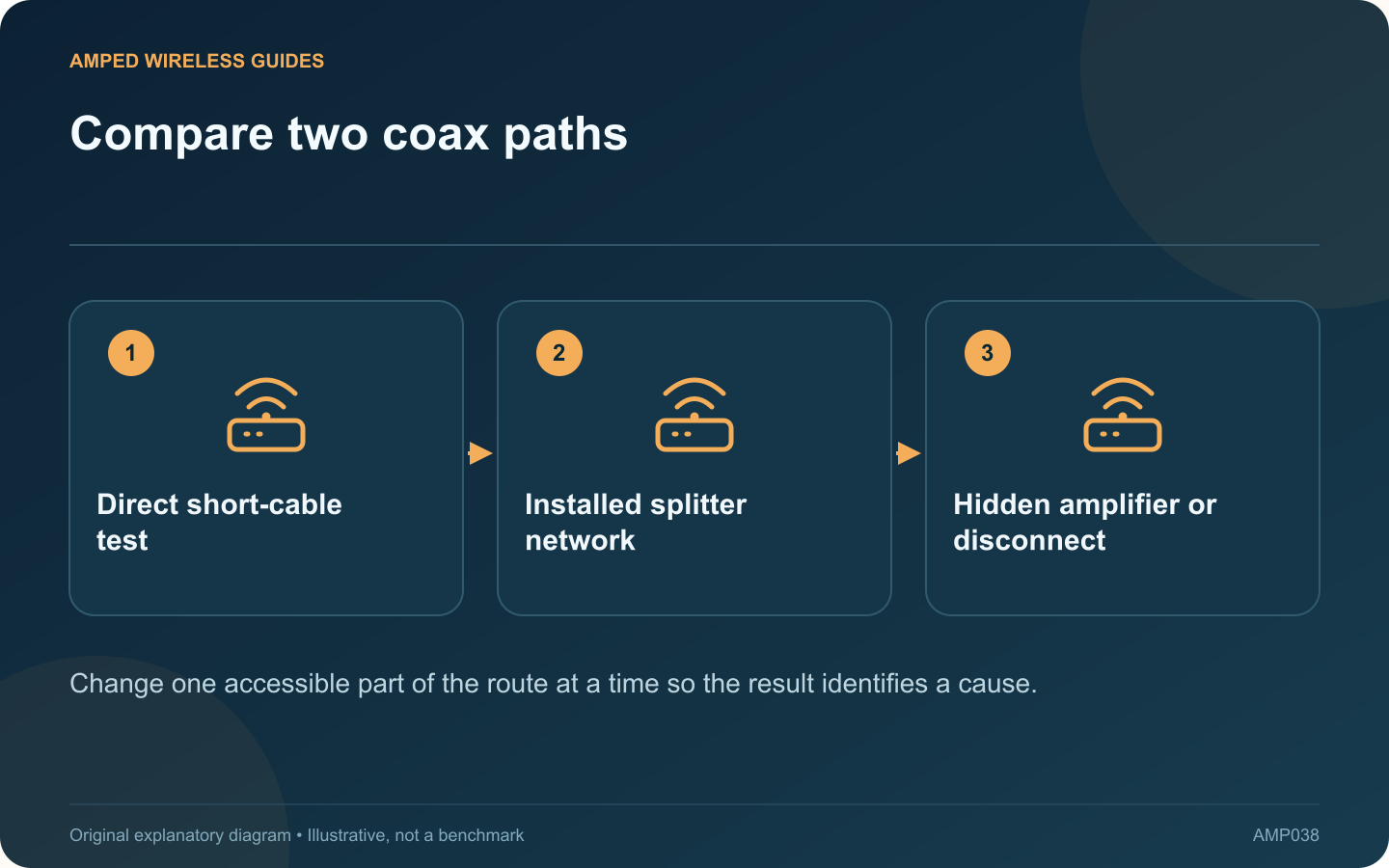
If two MoCA adapters communicate on a short coax cable but fail between rooms, that comparison is useful evidence. The adapters can establish at least one working link, so investigate what differs in the installed coax route before replacing them.
Preserve the successful test
Record the adapters, power supplies, Ethernet connections and indicator state used in the successful direct test before moving anything. Use the same equipment for the room test. Changing several components together makes the comparison less informative.
Trace accessible connections
Check whether the room cables actually connect to the same network. Look for loose connectors, visibly damaged patch leads and disconnected branches. Work only on accessible equipment you are authorized to maintain; provider enclosures and grounding arrangements need appropriate assistance.
Inspect splitter suitability
ScreenBeam recommends MoCA-compatible splitters and cautions against cascading splitters unnecessarily. A component that works for television may still be unsuitable for the intended MoCA frequencies or path.
Look for amplification
An amplifier can separate the adapters even though both room outlets receive a television signal. ScreenBeam’s troubleshooting guidance specifically identifies amplifier compatibility and placement as factors. Ask the provider or installer how to retain television service while providing an appropriate MoCA path.
Keep a small test record
| Route | Useful observation |
|---|---|
| Short direct cable | Baseline link and transfer |
| First room pair | Whether coax link establishes |
| Alternative known branch | Whether the failure follows one route |
After any supported correction, retest existing broadband and television services as well as the new Ethernet connection. Do not remove filters or bypass amplifiers indiscriminately: those components may serve another necessary purpose. The goal is to identify the particular branch or component that prevents communication and correct that route with the service design intact.
Sources and editorial notes
Sources checked 8–9 October 2026. Independent guidance and original illustrations; product comparisons use published specifications rather than hands-on benchmarks. Check the exact model, revision and regional documentation before changing settings.
- ScreenBeam: MoCA splitter arrangement
- ScreenBeam: MoCA interference and coax components
- ScreenBeam: ECB7250 installation, splitters and point-of-entry filtering