Independent extender & router guidesHelping you find your connection.
The guide library

Find a wired access point’s management address without guessing default URLs

Explore the guide library · Maintenance and recovery

Use the controller or router’s device inventory and match the correct hardware before opening its management page.
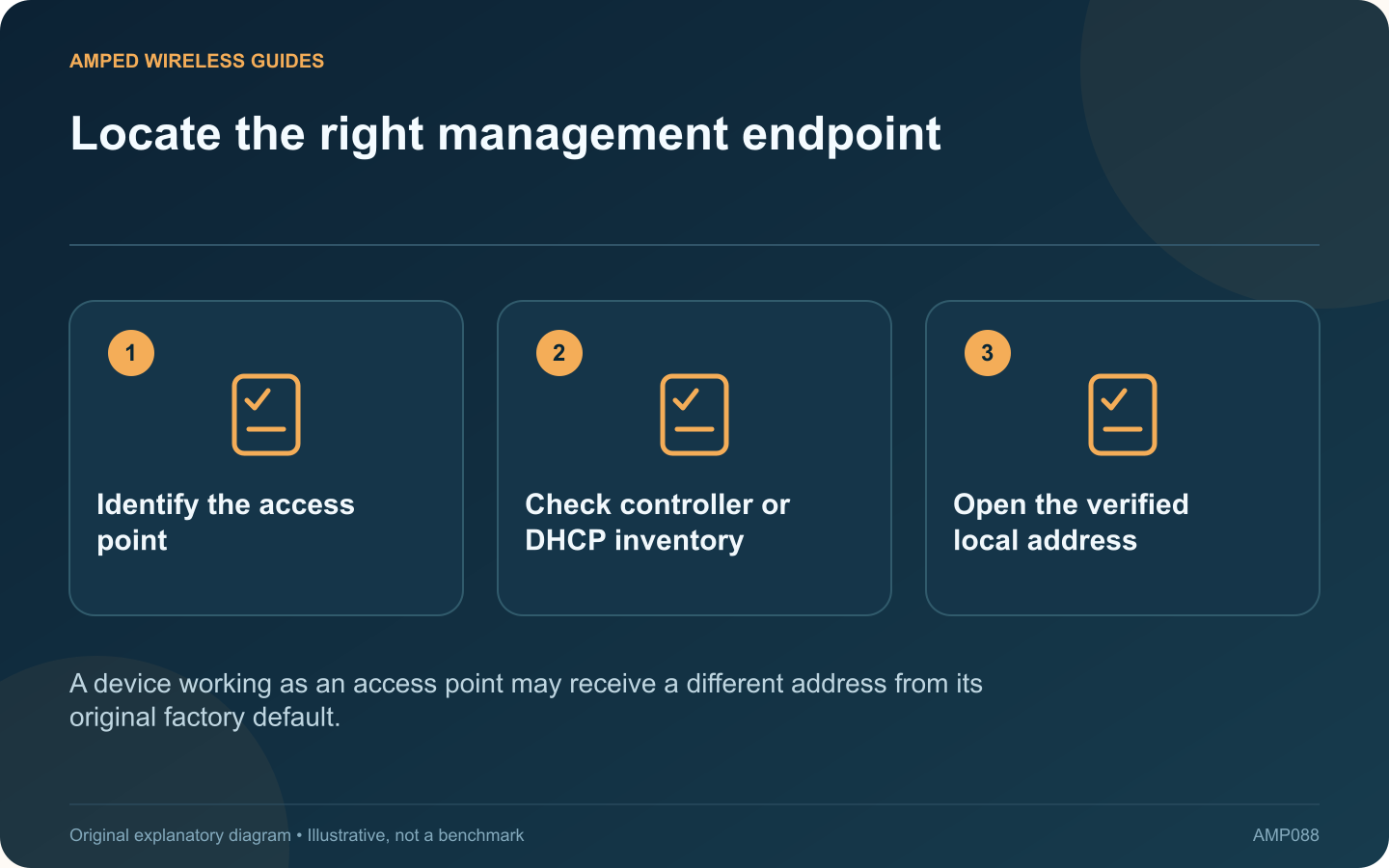
Locate the right management endpoint: Identify the access point; Check controller or DHCP inventory; Open the verified local address
A device working as an access point may receive a different address from its original factory default.

A wired access point can provide working Wi-Fi while its old setup address no longer opens. Once installed, its management address may come from the main router or a managed configuration rather than the factory value printed in an old guide.

Identify the management method

Determine whether the product is managed through a controller, an app or a standalone local interface. Use the supported method for its current operating mode. A controller-managed access point may not expose the same controls as a standalone one.

Inspect the authorized inventory

Check the router’s connected-device or DHCP list, or the controller’s device view. Match the access point using the model, assigned name and hardware identifier recorded during installation. Do not assume the first unfamiliar device is the right one.

Verify the local path

Make sure your management device is on a network allowed to administer the access point. Guest isolation or a dedicated management VLAN may intentionally prevent access from an ordinary client network.

Avoid unsafe shortcuts

  • Do not enter administrator credentials on an unverified public page.
  • Do not disable browser certificate protection to bypass an unexplained warning.
  • Do not expose local management to the internet for convenience.
  • Do not reset a working network solely because its address changed.

Make future access predictable

Where supported, use a properly planned address reservation or management configuration. Record the device name and address relationship, keeping credentials in a separate protected location.

If the device has a static address outside the current subnet, follow its documented recovery or discovery procedure. Avoid guessing through many unrelated addresses.

The useful result is verified access to the correct device through its intended management path. Once found, update the network inventory so the next maintenance task starts from known information instead of another search for a factory setup URL.

Sources and editorial notes

Sources checked 8–9 October 2026. Independent guidance and original illustrations; product comparisons use published specifications rather than hands-on benchmarks. Check the exact model, revision and regional documentation before changing settings.

Related guides

300 FAQs across our guide libraries

Quick answers

100 practical questions from Amped Wireless Guides.

Browse all 100 FAQs
How can I find a wired access point’s management address?

A wired access point can provide working Wi-Fi while its old setup address no longer opens. Once installed, its management address may come from the main router or a managed configuration rather than the factory value printed in an old guide. Determine whether the product is managed through a controller, an app or a standalone local interface. Use the supported method for its current operating mode. A controller-managed access point may not expose the same controls as a standalone one.

Read the full guide and sources
What should I check before adding equipment to a warm network cabinet?

A quiet network cabinet is not necessarily a cool one. Fanless switches, power supplies and access points still release heat, and adding PoE loads or copper transceiver modules can change the conditions around equipment that previously worked reliably. Check each device's operating-temperature range and mounting instructions. NETGEAR's MS105 specification, for example, lists both fanless construction and an operating range. Those are separate facts: fanless does not mean unrestricted placement.

Read the full guide and sources
Why must extender firmware match hardware revision and region?

An extender family can contain several hardware revisions that require different firmware. Before a manual update, match the full model, revision and regional support page. A file for a similarly named product is not an acceptable substitute. Read the product label and current management status. Record the hardware version and installed firmware. Avoid publishing photographs that expose wireless passwords, device identifiers or account information while asking for help.

Read the full guide and sources
Should unsupported extenders be replaced even if they still work?

An extender may continue forwarding traffic long after its product family stops receiving updates. That does not by itself prove a current compromise, but support status should be part of the decision about keeping it in service. Find the exact model and revision on the official support and lifecycle pages. ASUS, for example, publishes an end-of-life networking list. Other manufacturers use different terminology, so distinguish a sales discontinuation from a stated end of software support.

Read the full guide and sources
Independent. Practical. Clear.

Amped Wireless Guides is an independent information website. We are not affiliated with or endorsed by Amped Wireless. Product names belong to their respective owners.