Independent extender & router guidesHelping you find your connection.
The guide library

Adjusting extender antennas: make one controlled placement change at a time

Explore the guide library · Access-point installation

Follow the model’s orientation guidance and compare real client performance instead of relying on antenna appearance.
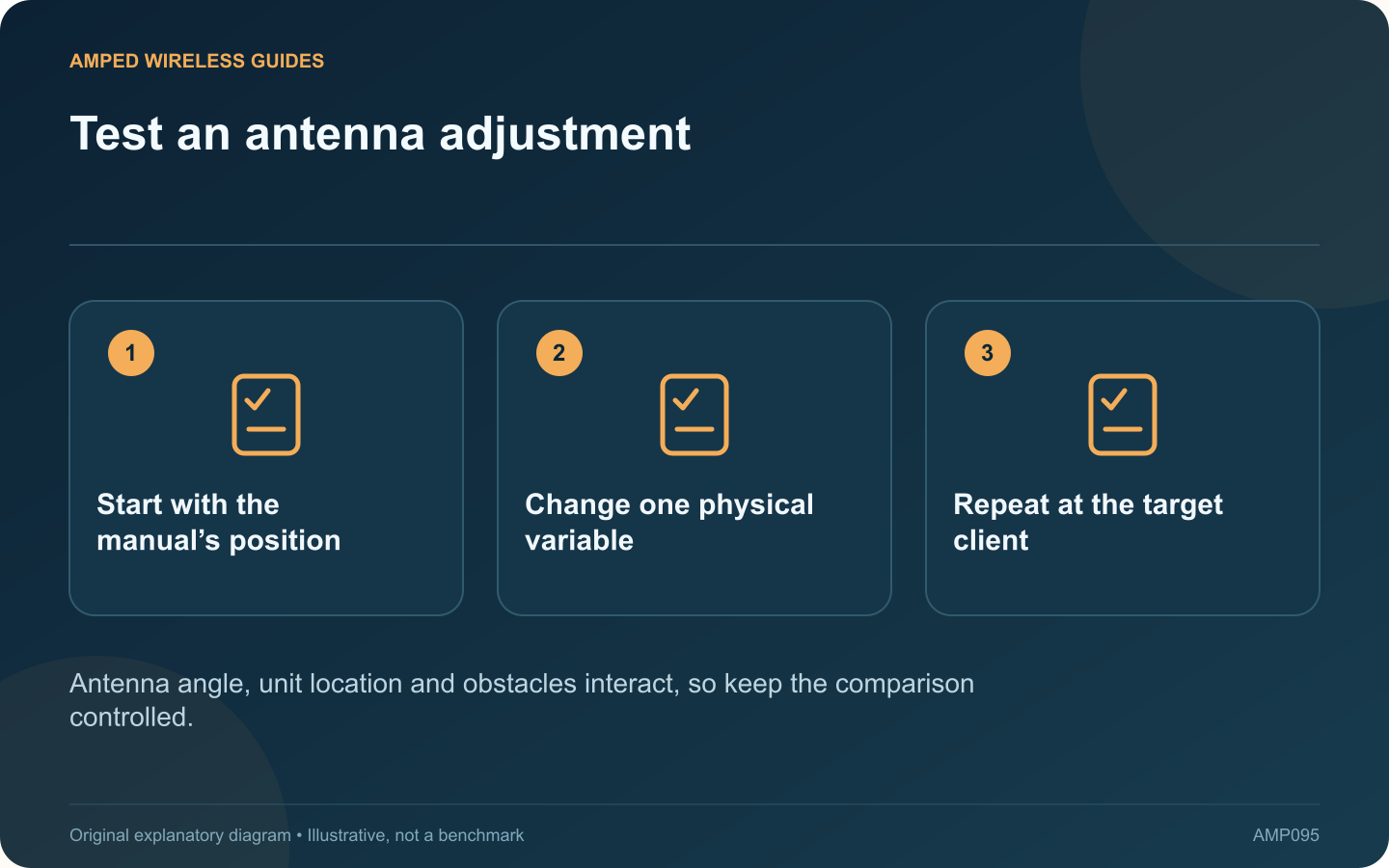
Test an antenna adjustment: Start with the manual’s position; Change one physical variable; Repeat at the target client
Antenna angle, unit location and obstacles interact, so keep the comparison controlled.

External antennas make an extender look adjustable, but their best arrangement is not determined by pointing every tip toward a distant room. Start with the manufacturer’s orientation guidance and evaluate changes through a controlled test.

Establish the recommended position

TP-Link’s placement guidance discusses antenna orientation and a suitable connection back to the router. Consult the exact model’s guide as well, since antenna design and adjustment range differ. Do not force a hinge beyond its intended movement.

Separate upstream and client performance

An extender has to communicate with the router and with nearby clients. Improving one apparent signal may not improve the whole route. Check the extender’s upstream status and the client’s actual application behavior.

Change one variable

Keep the unit in the same socket while testing an allowed antenna adjustment. If you also move it to another room, change channels and switch clients, the result will not reveal which change mattered.

Use repeatable observations

  • The same client in the same position.
  • The same local transfer or call workload.
  • Comparable household activity.
  • Several observations rather than one peak number.

Record a baseline and the result of each adjustment. Keep the configuration that provides stable useful service, not merely the highest momentary signal indicator.

Know when angle is not the problem

A large obstruction, poor upstream placement or an unsuitable outlet location may dominate the result. In that case, compare a better physical location or a supported wired access-point arrangement rather than endlessly changing antenna angles.

Avoid unapproved antenna replacements or radio modifications that change the product’s intended operation. The practical goal is a stable complete path through equipment used as documented. A small, methodical placement test provides better evidence than assuming a visually dramatic antenna arrangement must be faster.

Sources and editorial notes

Sources checked 8–9 October 2026. Independent guidance and original illustrations; product comparisons use published specifications rather than hands-on benchmarks. Check the exact model, revision and regional documentation before changing settings.

Related guides

300 FAQs across our guide libraries

Quick answers

100 practical questions from Amped Wireless Guides.

Browse all 100 FAQs
How should I test changes to extender antenna position?

External antennas make an extender look adjustable, but their best arrangement is not determined by pointing every tip toward a distant room. Start with the manufacturer's orientation guidance and evaluate changes through a controlled test. TP-Link's placement guidance discusses antenna orientation and a suitable connection back to the router. Consult the exact model's guide as well, since antenna design and adjustment range differ. Do not force a hinge beyond its intended movement.

Read the full guide and sources
Why is a metal cabinet a poor place for a Wi-Fi radio?

A metal cabinet may be an appropriate place for a switch and patch panel, yet a poor location for the radio expected to cover nearby rooms. If Wi-Fi deteriorates when the cabinet door closes, treat that observation as a placement clue. Use the same client and workload with the cabinet in its normal operating state. If testing an open door is safe and authorized, record the difference. Do not leave a service enclosure open permanently as an improvised networking solution.

Read the full guide and sources
What DHCP setting matters when reusing a router as an access point?

Reusing a router as an access point can provide useful coverage, but the addressing role must be clear. If two unintended DHCP servers answer on the same LAN, clients can receive different gateways or other settings and appear to fail unpredictably. TP-Link explains that router and AP modes provide different functions. Use the built-in supported mode where available and follow its connection instructions. Do not assume that moving one cable is equivalent to completing the mode change.

Read the full guide and sources
Why can a busy room have full Wi-Fi bars but poor performance?

A room can show strong Wi-Fi signal while calls and downloads slow down whenever everyone starts working. Coverage answers whether clients can establish a useful radio connection. Capacity asks whether the shared system can carry their simultaneous workloads. A dozen idle phones create a different demand from a dozen laptops joining video meetings or downloading large files. Record the applications, approximate concurrency and times when the problem appears.

Read the full guide and sources
Independent. Practical. Clear.

Amped Wireless Guides is an independent information website. We are not affiliated with or endorsed by Amped Wireless. Product names belong to their respective owners.