Independent extender & router guidesHelping you find your connection.
The guide library

An old extender still works: how to decide whether support status requires replacement

Explore the guide library · Maintenance and recovery

Evaluate security support and required compatibility alongside coverage before replacing aging network hardware.
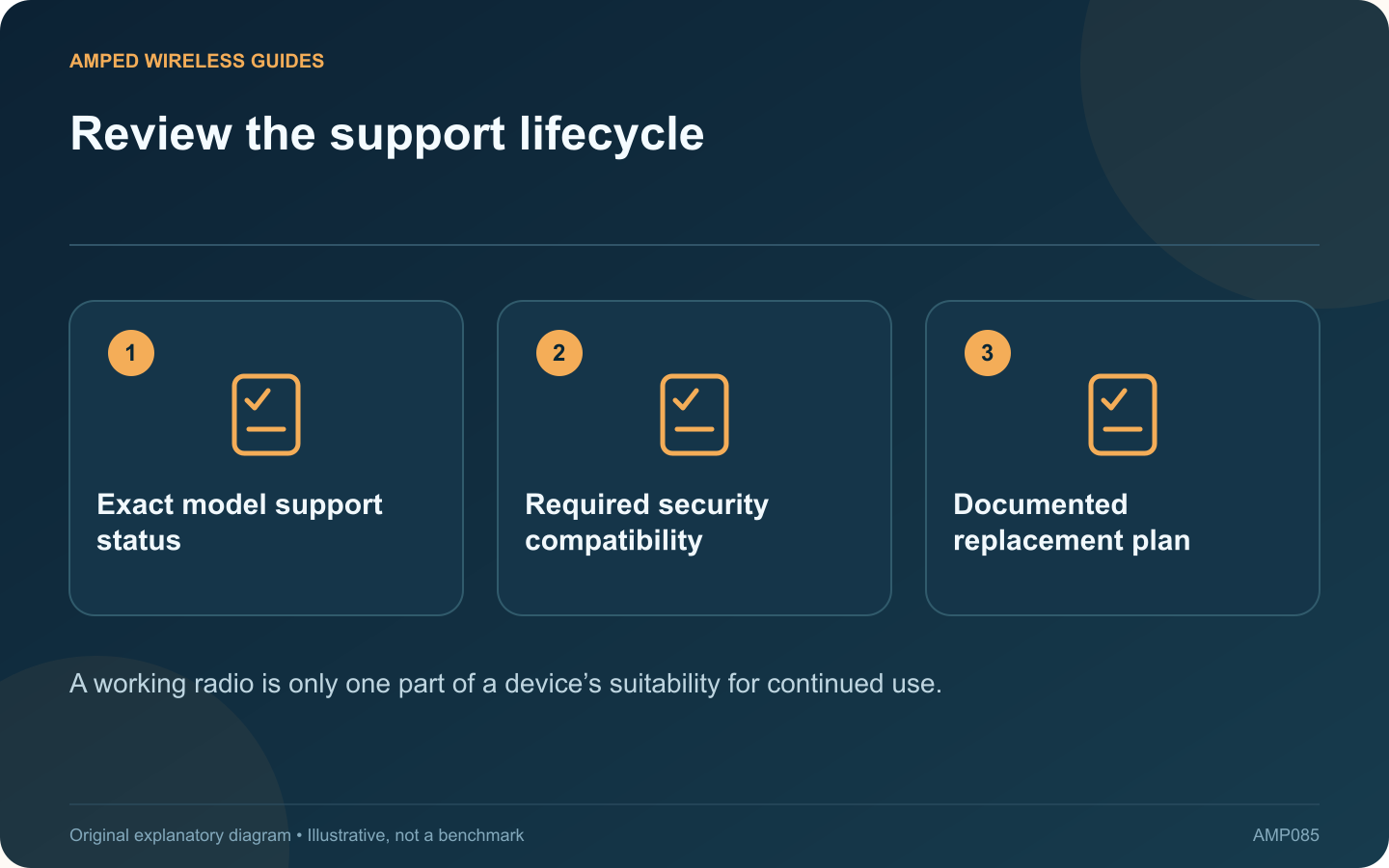
Review the support lifecycle: Exact model support status; Required security compatibility; Documented replacement plan
A working radio is only one part of a device’s suitability for continued use.

An extender may continue forwarding traffic long after its product family stops receiving updates. That does not by itself prove a current compromise, but support status should be part of the decision about keeping it in service.

Check the manufacturer’s current position

Find the exact model and revision on the official support and lifecycle pages. ASUS, for example, publishes an end-of-life networking list. Other manufacturers use different terminology, so distinguish a sales discontinuation from a stated end of software support.

List present requirements

Check the security mode required by the router, the extender’s supported management methods and any mesh dependency. A device that requires weakening the network’s intended encryption is a poor fit even if its signal reaches the room.

Look for available maintenance

Review the latest official firmware and security notices for the actual revision. Do not install an unrelated image or assume a download from another region extends support. If the lifecycle information is unclear, ask the manufacturer for clarification.

Plan a functional replacement

  • Identify the room and devices served.
  • Record whether the current role is repeating or wired AP.
  • Check the replacement’s ecosystem compatibility.
  • Test placement and workload before retiring the old unit.

Avoid replacing one mismatch with another

A newer product may offer a different Ethernet port, power arrangement or supported mode. Compare those details rather than buying solely by a higher wireless class. Keep a way to maintain essential connectivity during the transition.

Once the replacement is verified, follow the old device’s supported reset and account-removal process before reuse or recycling. Retain only the maintenance records that are still needed and protect any archived configuration.

The decision should balance current support, required security and practical service. Reliable coverage matters, but a clear maintenance path and compatibility with the network’s intended protections are also part of a sustainable installation.

Sources and editorial notes

Sources checked 8–9 October 2026. Independent guidance and original illustrations; product comparisons use published specifications rather than hands-on benchmarks. Check the exact model, revision and regional documentation before changing settings.

Related guides

300 FAQs across our guide libraries

Quick answers

100 practical questions from Amped Wireless Guides.

Browse all 100 FAQs
Should unsupported extenders be replaced even if they still work?

An extender may continue forwarding traffic long after its product family stops receiving updates. That does not by itself prove a current compromise, but support status should be part of the decision about keeping it in service. Find the exact model and revision on the official support and lifecycle pages. ASUS, for example, publishes an end-of-life networking list. Other manufacturers use different terminology, so distinguish a sales discontinuation from a stated end of software support.

Read the full guide and sources
Should I restart or factory-reset a failing extender?

Restarting an extender and restoring its factory defaults are different operations. A restart normally reloads the current configuration, while a factory reset removes settings and requires setup again. Choosing the wrong action can turn a temporary fault into an unnecessary installation task. Note the lights, connected network, affected devices and whether the main router still works. Read available status information and logs before restarting, since some evidence may disappear afterward.

Read the full guide and sources
What should I verify before relying on an extender backup?

A configuration backup can make an extender change easier to reverse, but it should be created and stored with enough context to be useful. A file named only “backup” may be difficult to trust months later. TP-Link documents configuration backup and restore for supported range extenders. Check whether your exact model and firmware offer the feature. Follow its interface instructions rather than copying hidden device files or assuming every product exposes the same menu.

Read the full guide and sources
Why must extender firmware match hardware revision and region?

An extender family can contain several hardware revisions that require different firmware. Before a manual update, match the full model, revision and regional support page. A file for a similarly named product is not an acceptable substitute. Read the product label and current management status. Record the hardware version and installed firmware. Avoid publishing photographs that expose wireless passwords, device identifiers or account information while asking for help.

Read the full guide and sources
Independent. Practical. Clear.

Amped Wireless Guides is an independent information website. We are not affiliated with or endorsed by Amped Wireless. Product names belong to their respective owners.