Explore the guide library · Maintenance and recovery
A similar product name is not sufficient evidence that a firmware file belongs on your device.
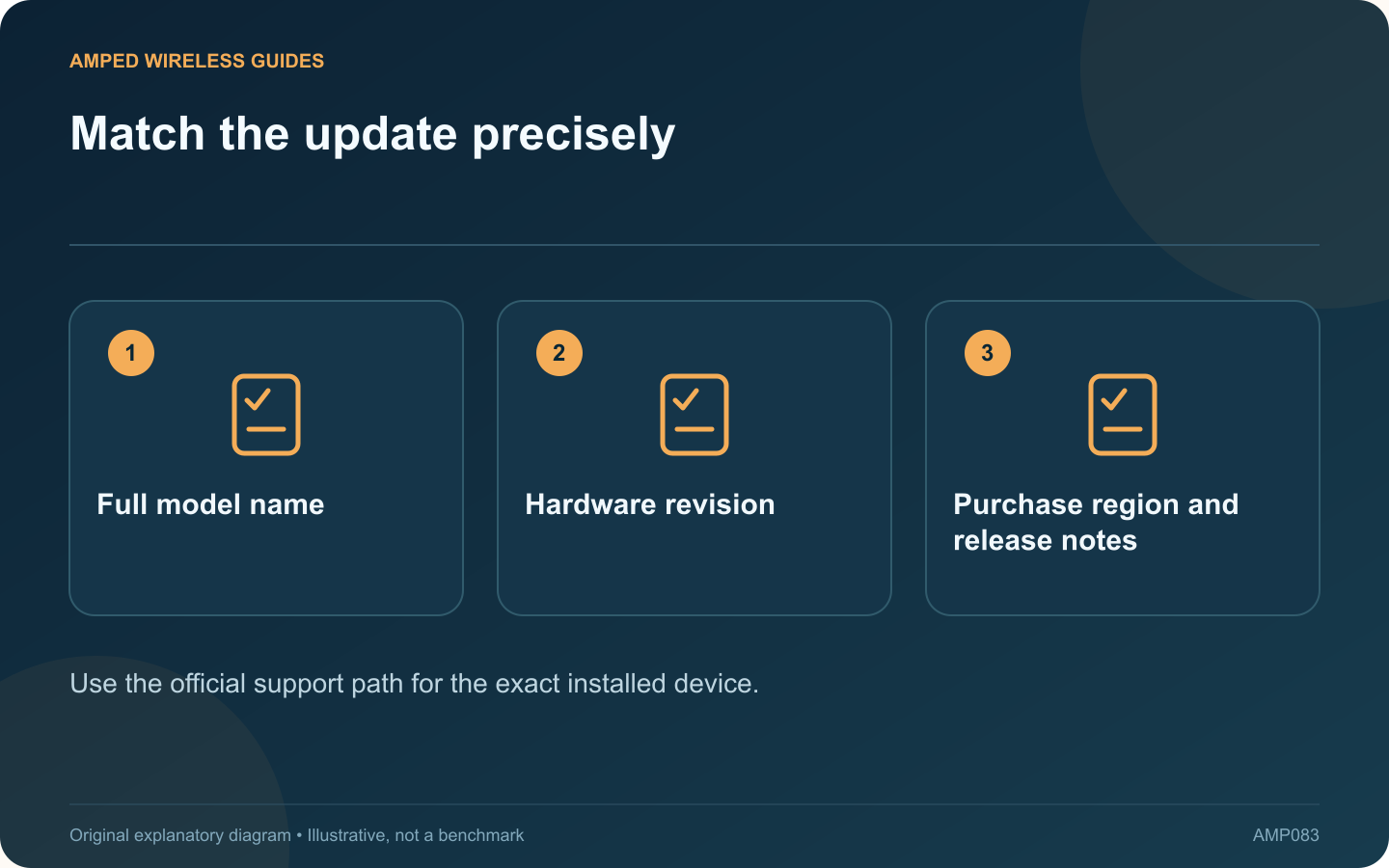
An extender family can contain several hardware revisions that require different firmware. Before a manual update, match the full model, revision and regional support page. A file for a similarly named product is not an acceptable substitute.
Identify the device privately
Read the product label and current management status. Record the hardware version and installed firmware. Avoid publishing photographs that expose wireless passwords, device identifiers or account information while asking for help.
Use the official support source
TP-Link’s cited extender guide directs users to firmware matched to the hardware version. Follow the equivalent official process for your own manufacturer. Do not install firmware offered by an unrelated download site or an unsolicited support message.
Read the release notes
Check prerequisites, migration instructions and any change to supported features. An update may require a particular sequence or configuration action. Do not assume that a numerically larger version from another region is intended for your device.
Prepare for interruption
- Choose a suitable maintenance period.
- Use a stable supported management connection.
- Ensure reliable power during the update.
- Keep a supported configuration backup when available.
Let the process complete
Follow the displayed instructions and documented waiting period. Avoid repeated power cycles or button presses because the interface briefly becomes unavailable. If the process fails, use the vendor’s recovery guidance for that model instead of improvising another firmware image.
Verify after startup
Confirm the installed version and test the upstream connection, client access and required operating mode. Check any scheduled or guest features that matter to the household.
Keep the update date and release-note reference in the maintenance record. A successful update is more than a completed upload: the correct version should be running, and the device should still provide the intended service. Precise identification at the start reduces the risk of a preventable recovery problem.
Sources and editorial notes
Sources checked 8–9 October 2026. Independent guidance and original illustrations; product comparisons use published specifications rather than hands-on benchmarks. Check the exact model, revision and regional documentation before changing settings.
- TP-Link: extender management and revision-specific firmware
- TP-Link: range-extender configuration backup and restore