Independent extender & router guidesHelping you find your connection.
The guide library

Keep the Wi-Fi radio out of a metal network cabinet where possible

Explore the guide library · Access-point installation

A cabinet can be convenient for wired equipment while being a poor place for the access point serving the rooms.
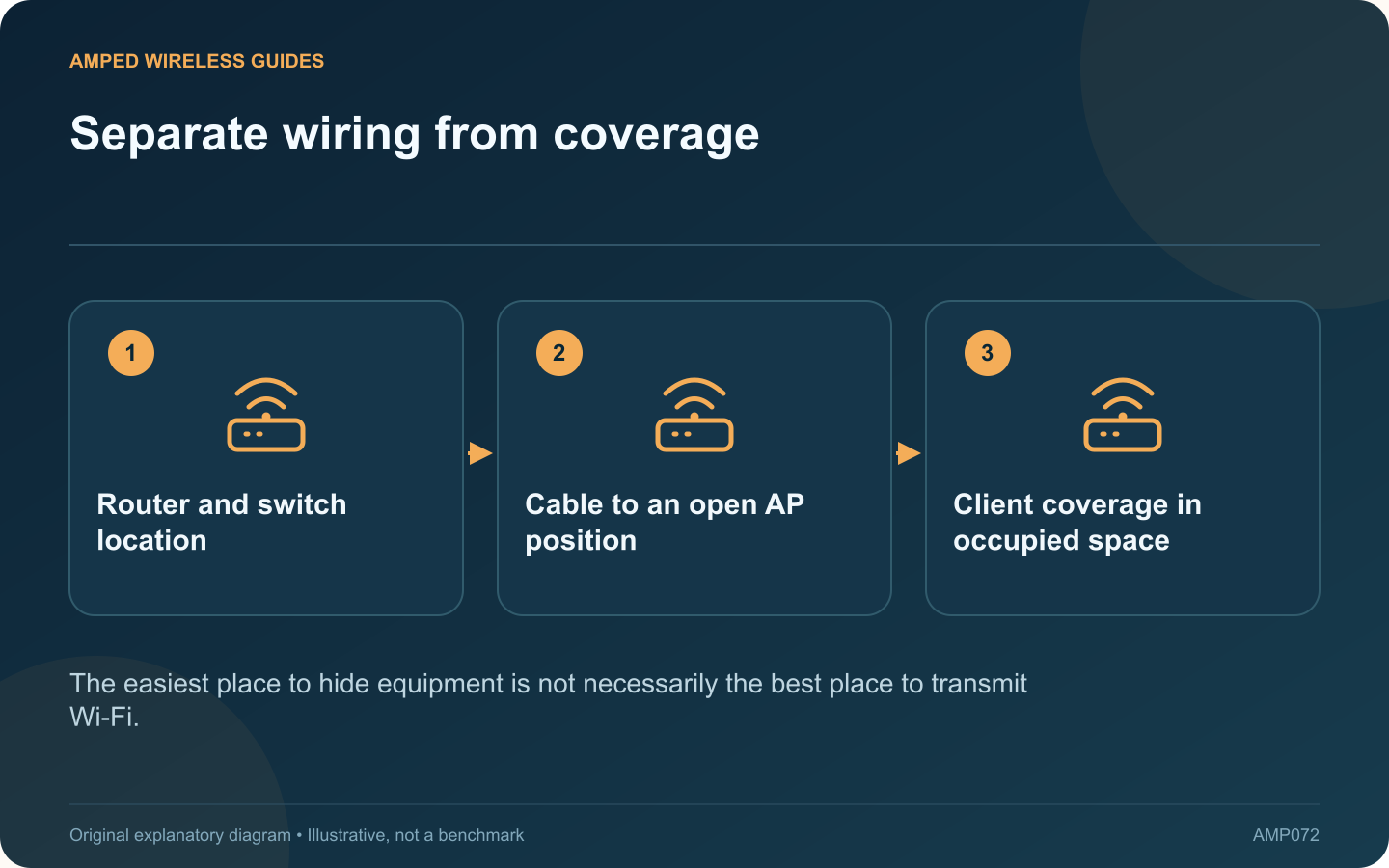
Separate wiring from coverage: Router and switch location; Cable to an open AP position; Client coverage in occupied space
The easiest place to hide equipment is not necessarily the best place to transmit Wi-Fi.

A metal cabinet may be an appropriate place for a switch and patch panel, yet a poor location for the radio expected to cover nearby rooms. If Wi-Fi deteriorates when the cabinet door closes, treat that observation as a placement clue.

Compare the condition carefully

Use the same client and workload with the cabinet in its normal operating state. If testing an open door is safe and authorized, record the difference. Do not leave a service enclosure open permanently as an improvised networking solution.

Separate the equipment roles

The internet gateway does not always need to be the device providing room coverage. A supported wired access point can be placed elsewhere while routing and switching remain in the cabinet. Confirm that the chosen equipment supports the intended arrangement.

Plan a suitable access-point location

Choose a position based on the occupied areas, obstacles and mounting guidance. A ceiling or wall cable route can provide a better radio location without moving every network component. PoE-capable access points may simplify power delivery when the complete power path is compatible.

Keep cabinet ventilation in view

Heat can be a separate issue from radio attenuation. Follow the equipment’s environmental and clearance requirements. Moving the access point should not create an overcrowded or poorly ventilated arrangement for the remaining devices.

Verify the new path

  • The access point has the intended wired uplink.
  • Clients receive the correct network configuration.
  • Coverage improves with the cabinet closed normally.
  • Guest or IoT separation still works as designed.

Compare the result in several rooms, not just the closest one. Preserve the network diagram so future maintenance does not accidentally move the radio back into the enclosure.

This approach addresses the physical cause rather than compensating with repeated transmit-power changes. A well-placed access point can serve the rooms while the cabinet continues to organize the wired infrastructure it was intended to contain.

Sources and editorial notes

Sources checked 8–9 October 2026. Independent guidance and original illustrations; product comparisons use published specifications rather than hands-on benchmarks. Check the exact model, revision and regional documentation before changing settings.

Related guides

300 FAQs across our guide libraries

Quick answers

100 practical questions from Amped Wireless Guides.

Browse all 100 FAQs
Why is a metal cabinet a poor place for a Wi-Fi radio?

A metal cabinet may be an appropriate place for a switch and patch panel, yet a poor location for the radio expected to cover nearby rooms. If Wi-Fi deteriorates when the cabinet door closes, treat that observation as a placement clue. Use the same client and workload with the cabinet in its normal operating state. If testing an open door is safe and authorized, record the difference. Do not leave a service enclosure open permanently as an improvised networking solution.

Read the full guide and sources
Can a ceiling access point be installed on a wall?

Some access points sold as ceiling models also support wall mounting. That does not mean every location or orientation produces the same coverage. Check the exact installation guide before drilling, then test the rooms the access point must serve. TP-Link's cited EAP installation guide shows supported mounting arrangements for the products it covers. Use the guide for your own model and revision. The correct bracket, fasteners and surface matter independently of radio performance.

Read the full guide and sources
Why can a busy room have full Wi-Fi bars but poor performance?

A room can show strong Wi-Fi signal while calls and downloads slow down whenever everyone starts working. Coverage answers whether clients can establish a useful radio connection. Capacity asks whether the shared system can carry their simultaneous workloads. A dozen idle phones create a different demand from a dozen laptops joining video meetings or downloading large files. Record the applications, approximate concurrency and times when the problem appears.

Read the full guide and sources
What DHCP setting matters when reusing a router as an access point?

Reusing a router as an access point can provide useful coverage, but the addressing role must be clear. If two unintended DHCP servers answer on the same LAN, clients can receive different gateways or other settings and appear to fail unpredictably. TP-Link explains that router and AP modes provide different functions. Use the built-in supported mode where available and follow its connection instructions. Do not assume that moving one cable is equivalent to completing the mode change.

Read the full guide and sources
Independent. Practical. Clear.

Amped Wireless Guides is an independent information website. We are not affiliated with or endorsed by Amped Wireless. Product names belong to their respective owners.