Independent extender & router guidesHelping you find your connection.
The guide library

MoCA works on a short cable but fails through the wall: inspect the coax path

Explore the guide library · MoCA and coax networking

A successful bench connection narrows the investigation to room wiring and intervening coax components.
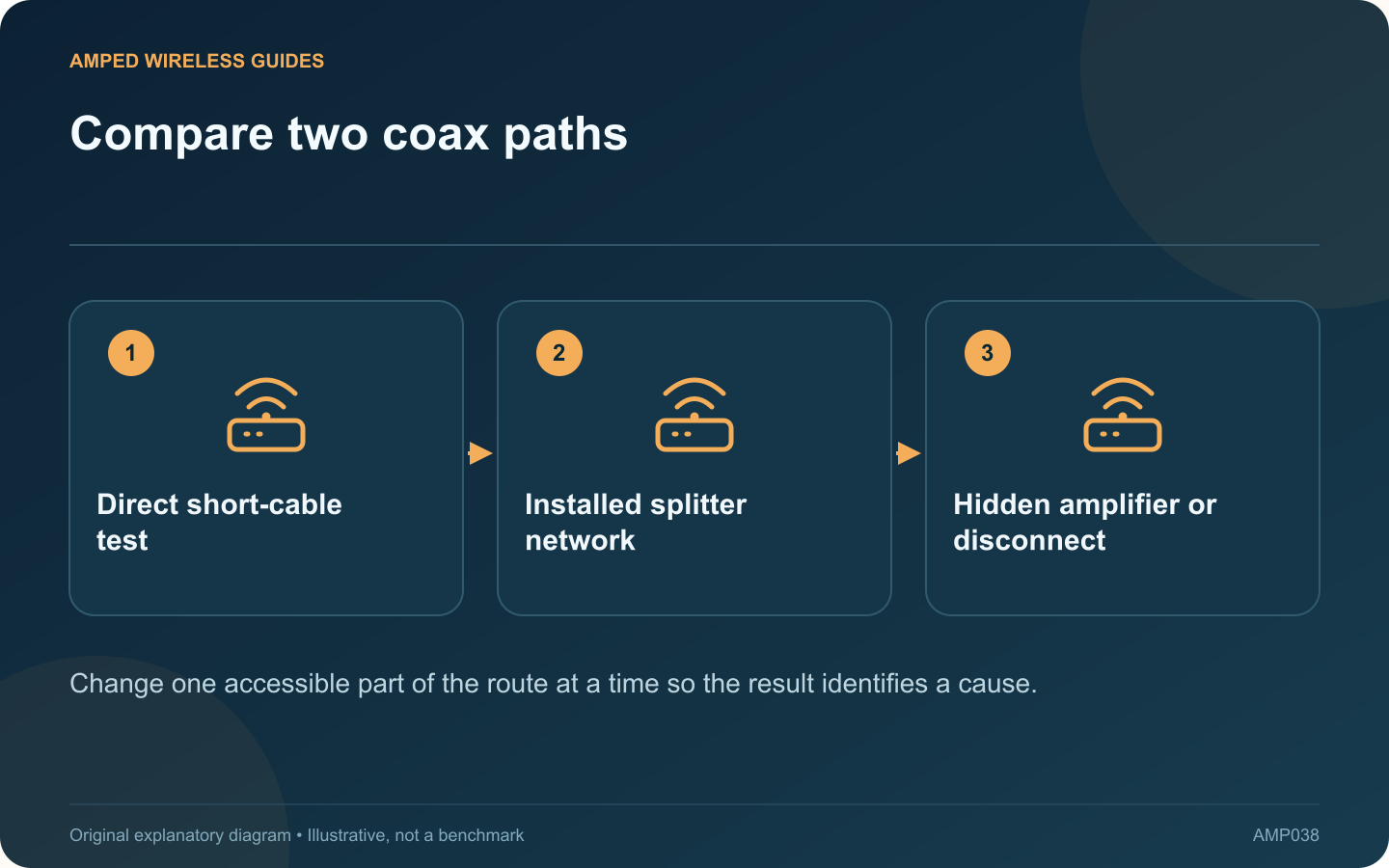
Compare two coax paths: Direct short-cable test; Installed splitter network; Hidden amplifier or disconnect
Change one accessible part of the route at a time so the result identifies a cause.

If two MoCA adapters communicate on a short coax cable but fail between rooms, that comparison is useful evidence. The adapters can establish at least one working link, so investigate what differs in the installed coax route before replacing them.

Preserve the successful test

Record the adapters, power supplies, Ethernet connections and indicator state used in the successful direct test before moving anything. Use the same equipment for the room test. Changing several components together makes the comparison less informative.

Trace accessible connections

Check whether the room cables actually connect to the same network. Look for loose connectors, visibly damaged patch leads and disconnected branches. Work only on accessible equipment you are authorized to maintain; provider enclosures and grounding arrangements need appropriate assistance.

Inspect splitter suitability

ScreenBeam recommends MoCA-compatible splitters and cautions against cascading splitters unnecessarily. A component that works for television may still be unsuitable for the intended MoCA frequencies or path.

Look for amplification

An amplifier can separate the adapters even though both room outlets receive a television signal. ScreenBeam’s troubleshooting guidance specifically identifies amplifier compatibility and placement as factors. Ask the provider or installer how to retain television service while providing an appropriate MoCA path.

Keep a small test record

Route Useful observation
Short direct cable Baseline link and transfer
First room pair Whether coax link establishes
Alternative known branch Whether the failure follows one route

After any supported correction, retest existing broadband and television services as well as the new Ethernet connection. Do not remove filters or bypass amplifiers indiscriminately: those components may serve another necessary purpose. The goal is to identify the particular branch or component that prevents communication and correct that route with the service design intact.

Sources and editorial notes

Sources checked 8–9 October 2026. Independent guidance and original illustrations; product comparisons use published specifications rather than hands-on benchmarks. Check the exact model, revision and regional documentation before changing settings.

Related guides

300 FAQs across our guide libraries

Quick answers

100 practical questions from Amped Wireless Guides.

Browse all 100 FAQs
Why can MoCA work on a short cable but fail through wall wiring?

If two MoCA adapters communicate on a short coax cable but fail between rooms, that comparison is useful evidence. The adapters can establish at least one working link, so investigate what differs in the installed coax route before replacing them. Record the adapters, power supplies, Ethernet connections and indicator state used in the successful direct test before moving anything. Use the same equipment for the room test. Changing several components together makes the comparison less informative.

Read the full guide and sources
How does the ECB7250 Ethernet port differ from ECB6250?

The ECB6250 and ECB7250 both belong to ScreenBeam's MoCA 2.5 range, yet their Ethernet interfaces differ. The ECB6250 provides Gigabit Ethernet, while the ECB7250 provides a 2.5 Gigabit Ethernet interface. That distinction matters when planning a faster wired path across coax. A television with a slower Ethernet interface will not gain a 2.5 Gigabit connection simply because the adapter supports it. Conversely, a workstation and storage server with suitable interfaces may justify examining every link for a Gigabit bottleneck.

Read the full guide and sources
What should I check before buying MoCA adapters for existing coax?

MoCA can carry a local network over suitable existing coax, making it a useful option where running Ethernet is difficult. The first purchase decision is whether the home's coax network is suitable, not which adapter advertises the largest number. Record the television and internet services attached to it. ScreenBeam lists service restrictions for its adapters, including incompatible satellite arrangements. Cable-modem frequency plans can also matter. Ask the provider to confirm compatibility with the exact adapter and installed service.

Read the full guide and sources
Is a MoCA PoE filter a Power over Ethernet accessory?

In MoCA installation discussions, “PoE filter” usually means a point-of-entry filter on coax. In Ethernet product listings, PoE means Power over Ethernet. Confusing the terms can lead to buying equipment that has no role in the intended installation. A suitable MoCA point-of-entry filter helps contain the relevant signals within the intended coax network. Its frequency characteristics and placement must match the service arrangement. ScreenBeam advises contacting the internet provider because filter requirements vary.

Read the full guide and sources
Independent. Practical. Clear.

Amped Wireless Guides is an independent information website. We are not affiliated with or endorsed by Amped Wireless. Product names belong to their respective owners.