Explore the guide library · Wired backhaul planning
Let the existing router supply routing and addresses, then connect the Deco access points through the intended LAN.
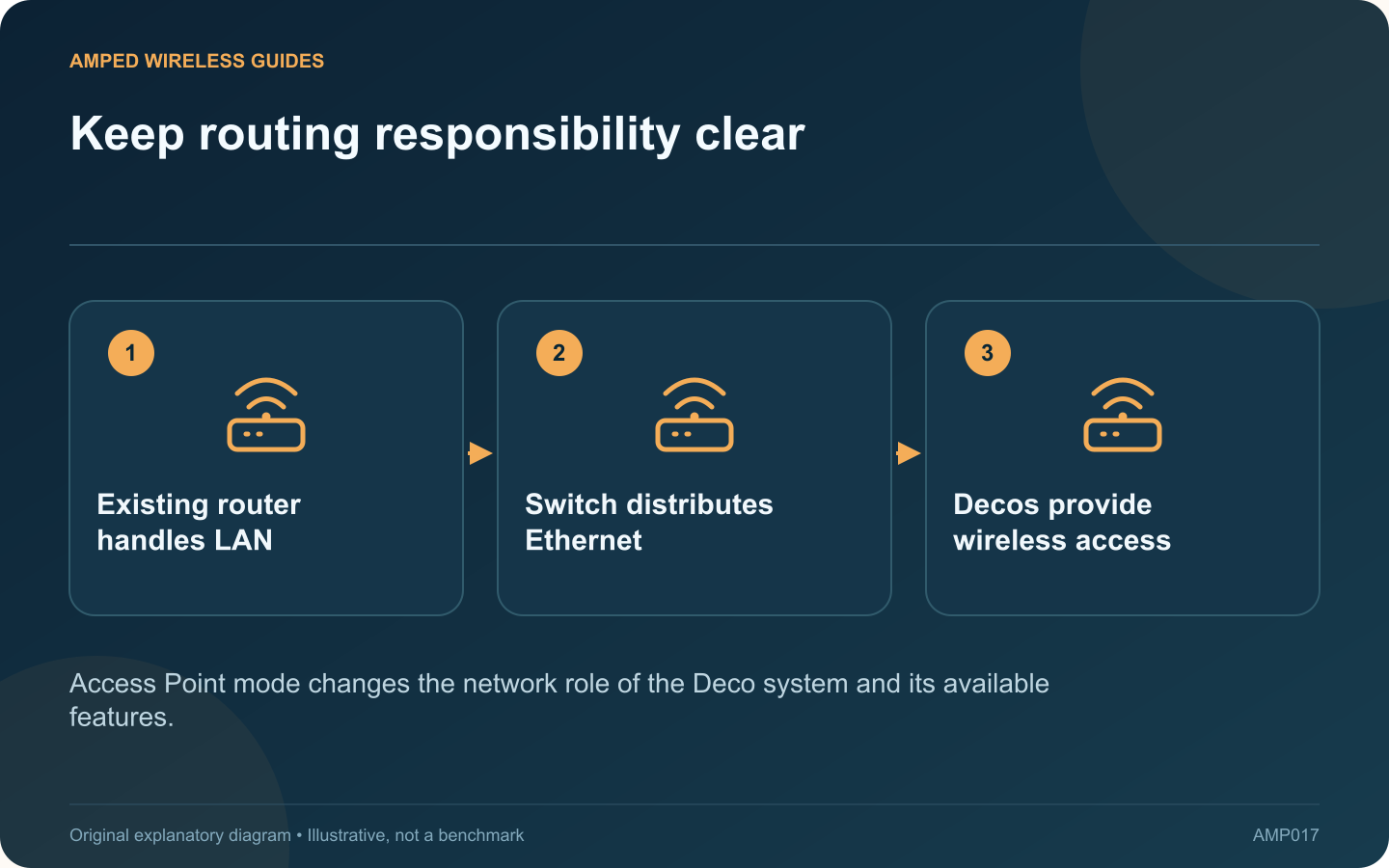
Access Point mode can suit a home where an existing router must continue handling the network. Deco then provides wireless access while the upstream router remains responsible for routing and address assignment. Plan the wiring around that division of roles.
Confirm why the existing router remains
It may provide required provider functions, network controls or a configuration you already maintain. List those requirements before changing modes. Do not assume every Deco Router-mode feature remains available in Access Point mode.
Verify the upstream LAN
Check that a computer connected to the intended switch or wall port receives the correct network configuration and internet access. If the wired LAN is already faulty, adding access points will not repair it.
Follow the AP-mode topology
TP-Link permits wired Deco connections through the main router or other Deco units in Access Point mode. Keep every path on the intended LAN and avoid accidental parallel loops. Label the upstream router, switch and each room connection.
Review features after the change
- Where are DHCP reservations now managed?
- Which device enforces household access rules?
- How is guest access handled by the exact system?
- Where should future routing changes be made?
These questions prevent a common maintenance problem: looking for a setting in the Deco app when the existing router now owns that function.
Check both access and local services
Test a wireless client near each unit and verify any printer or storage device that should be reachable. Confirm the app reports Ethernet backhaul where cables are installed.
Save the working topology and the location of the management settings. If a later troubleshooting guide assumes Deco Router mode, do not apply its port arrangement automatically. Access Point mode is useful when its responsibilities are clear, the upstream LAN is healthy and the required features are verified in the configuration you actually use.
Sources and editorial notes
Sources checked 8–9 October 2026. Independent guidance and original illustrations; product comparisons use published specifications rather than hands-on benchmarks. Check the exact model, revision and regional documentation before changing settings.